
In the pandemic, many people were working from home, so new approaches have surfaced in the world of employee management. MDM and BYOD are two approaches that let an employee access company data and perform work-related activities from any location. While they both are related to employees’ devices their way of working is very different. Let’s learn more about these approaches and find out which one suits your nature or work and company environment better.
Overview of BYOD and MDM
To understand the difference between BYOD and MDM it’s important to first understand them individually.
BYOD stands for Bring Your Own Device, it refers to the practice where employees of an organization bring their own devices to perform work-related activities. It saves them from the hassle of carrying two devices with them
For Example:
Employees carry their cell phones and use them to access emails and docs. When doing work-related activity on their phone they don't need to carry another phone dedicated to work.
MDM refers to Mobile Device Management, It is a method and toolset that lets the company monitor, manage, and secure activities on mobile devices like smartphones and tabs. Be it a device provided by a company or it’s owned by the user MDM software provides better control.
For Example:
An MDM software downloaded on an employee’s device keeps track of the employee's activity related to work to ensure no sensitive data is breached.
|
Feature |
BYOD |
MDM |
|---|---|---|
|
Scope |
Use of personal devices for work |
Comprehensive device management and security |
|
Control |
Limited control over device settings |
Extensive control over device management |
|
Security |
Dependent on user compliance |
Enforced through MDM policies |
|
Cost |
Lower hardware costs, potential hidden costs |
Higher initial investment, ongoing management costs |
|
Flexibility |
High flexibility for employees |
Moderate flexibility, higher security |
|
Employee Experience |
Restricted as Employees are more conscious |
Employees are more comfortable |
Difference Between MDM and BYOD
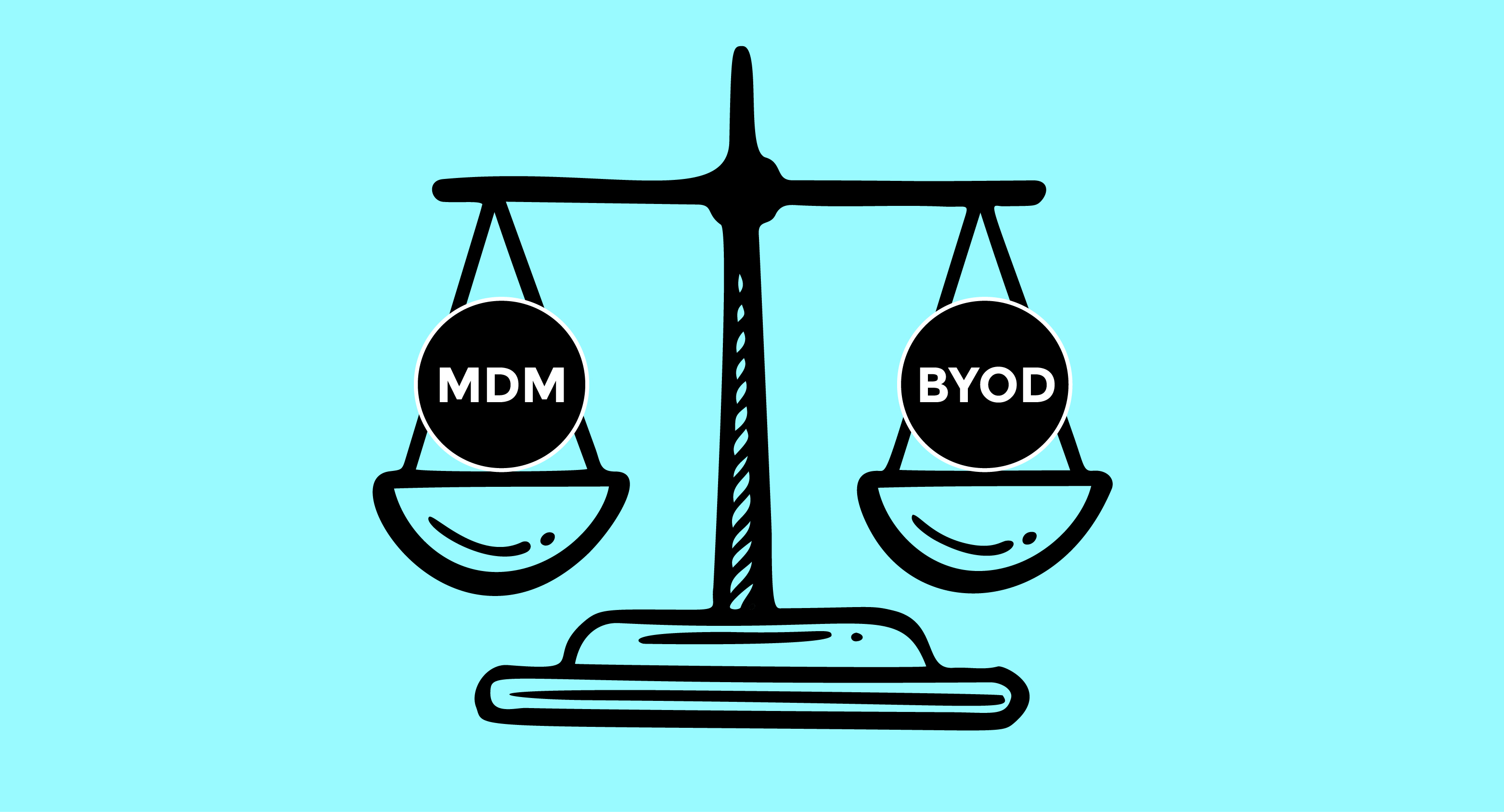
While MDM and BYOD both are related to the employees using mobile devices, they are different in many aspects. Here are some of the main differences between BYOD and MDM.

MDM Vs BYOD Application
Every company has its own BYOD policy. When using your own device to work there is a certain set of instructions that an employee needs to follow since the company depends on the compliance of their employee. MDM policy applies to both, company-provided devices and employee’s own devices. MDM policy depends on the needs of the company.
MDM Vs BYOD Security
In terms of security, MDM is a more secure way of operating because the company can keep tabs on employees’ activity so that any suspicious activity is noted at the point while in BYOD company has to rely on Employees honestly making it a less secure approach.
MDM Vs BYOD Risk
One of the biggest risks associated with BYOD is the misconduct of employees in terms of stealing data or leaking the company’s data. Using this approach finding out a breach is difficult without any monitoring. While MDM has its challenges, as the company needs trained IT officers to maintain it because of its complexity.
MDM Vs BYOD Employee Experience
While we are talking about what’s important for the security of the company, employee satisfaction is equally important. HRM software helps businesses streamline workforce management while ensuring security and flexibility, alongside IT management solutions like MDM and BYOD policies. BYOD is more appreciated by employees as it gives them the liberty to use the device freely and a sense that they are trusted. MDM, although is a more secure approach for the company for employees prefer using a different device for their personal use.
MDM Vs BYOD Cost
In comparison with BYOD MDM solutions are more expensive as you need an IT team to operate the software while the software can cost too. BYOD on the other hand is more cost-friendly having employees use their own devices.
Pros and Cons
|
MDM |
BYOD |
|
|---|---|---|
|
Pros |
|
|
|
Cons |
|
|
MDM or BYOND, Which One Should You Choose
MDM and BYOD both approaches are both useful. Choosing the right approach for your business can be tricky, so here are a few suggestions on how to pick the best approach for you
For Small Organizations/ Startups
BYOD is the best approach here, as it is cost-effective so while you are spending money on other important software and departments you can cut the cost of buying management software. It is also easy to adapt to a start-up that can start and run operations conveniently.
For Tech/Designing Firms
Most coders and designers are more comfortable with using their own devices making BYOD the most suitable approach for such organizations. It will help with their productivity and creativity rather than taking time to adjust to new devices.
Large Enterprises
As the number of employees grows, it is hard to keep a check. This is where MDM comes into play. With a large number of employees, MDM makes it easier to monitor and manage their devices to make sure that shared data is secure.
Government Agencies
Government agencies have to deal with sensitive and classified information and so need strong security. MDM helps make sure mobile devices accessing this data are safe. It also lets agencies enforce the same security rules on all government employees’ devices, ensuring everything stays protected and compliant. Through the use of advanced security measures, including the best AI security tools, organizations can further enhance their defenses and reduce the risk of cyber-attacks.
FAQs
Can I use both MDM and BYOD in my organization?
Yes! You can, It can either be done by installing MDM software in Empolyee’s devices or you can apply MDM in departments that need more security and BYOD for others.
How can I secure my company data in a BYOD environment?
You can control company data with BYOD by applying effective BYOD policies. You can also put the company data on the cloud which can be accessed and worked on without having to download it.
What Are the Best MDM Solutions?
Here are some MDM solutions
-
SOTI MobiControl for Remote control
-
VMware AirWatch for a 360-degree view of all your organization's devices
-
IBM MaaS360 for enterprises
Both MDM and BYOD have their pros and cons, while one allows you to keep your data secure and more control the other approach is cheaper and helps with productivity. However, it's important to consider the risks of data loss vs. data leak, as these can be more prevalent in a BYOD environment. With these differences between MDM and BYOD, you can choose the one that is most suitable for your company for better growth and employee satisfaction.
To know more about BYOD vs MDM, check Virtual Codes Vault.
