Antivirus softwares are important as it is designed to protect computers, smartphones, and other devices from malicious software, commonly known as malware. Malware includes viruses, worms, trojans, ransomware, and spyware that can damage systems. The importance of Antivirus programs can truly be understood by users who become prey of cyber threat.
Another important role of antivirus software is maintaining system performance and stability. Malware can slow down devices, cause frequent crashes, or corrupt important files. Regular scanning and protection ensure that systems run smoothly and efficiently. Overall, antivirus software is a critical part of digital safety, helping users stay secure, protect their privacy, and use technology with confidence.
How Antivirus Works to Detect and Stop Cyber Threats
Antivirus software works by constantly monitoring a device to detect, prevent, and remove malicious software. It scans files, programs, and system activities to identify threats before they can cause harm. One common method it uses is signature-based detection, where the antivirus compares files against a database of known malware patterns. If a match is found, the file is flagged and removed or quarantined.
Modern antivirus programs use heuristic analysis and behavior monitoring; these techniques allow the software to identify new or unknown threats by analyzing how programs behave. The best server antivirus software blocks when a file behaves suspiciously, like accessing sensitive data or changing system settings.
Benefits of Antivirus
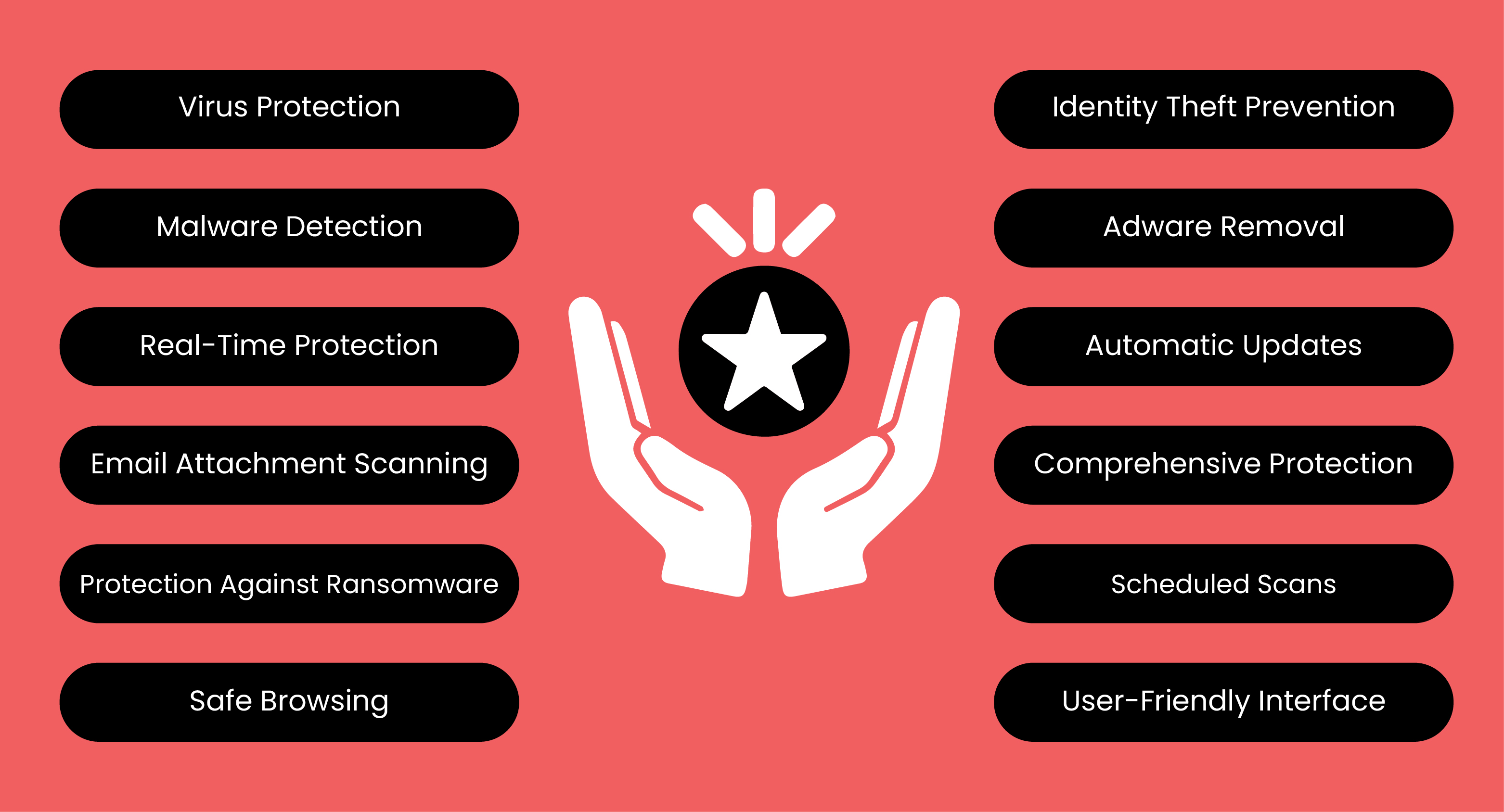
Here are some of the benefits users will get after the installation of an antivirus:
Virus Protection
The core function of antivirus software is to defend systems against viruses. It scans files and programs to detect and block known threats before they can cause harm.
Malware Detection
Antivirus software detects and removes various forms of malware, including spyware, ransomware, adware, and trojans, keeping systems safe and stable.
Real-Time Protection
Modern antivirus programs offer real-time monitoring, continuously scanning system activity to identify and stop threats the moment they appear.
Email Attachment Scanning
Email attachments are a common source of malware. Antivirus software scans attachments and blocks harmful files before they can infect the system.
Protection Against Ransomware
Ransomware encrypts files and demands payment for access. Antivirus tools prevent such attacks by identifying and blocking ransomware threats early.
Safe Browsing
Antivirus software enhances online safety by blocking malicious websites, preventing unsafe downloads, and protecting users during web browsing.
Identity Theft Prevention
By detecting malware designed to steal sensitive information, such as passwords and credit card fraud detection, antivirus software helps prevent identity theft.
Adware Removal
Adware can slow down systems and track user activity. Antivirus software removes adware, improving performance and protecting privacy.
Automatic Updates
Antivirus software regularly updates itself to recognize and protect against the latest threats, ensuring continuous and up-to-date security.
Comprehensive Protection
Antivirus solutions provide all-around defense against viruses, malware, phishing attacks, and other cyber risks.
Scheduled Scans
Users can schedule automatic scans, allowing regular system checks without manual effort.
User-Friendly Interface
Most antivirus programs feature simple and intuitive interfaces, making it easy to manage security settings and monitor system health.
Important Features to Look into Antivirus
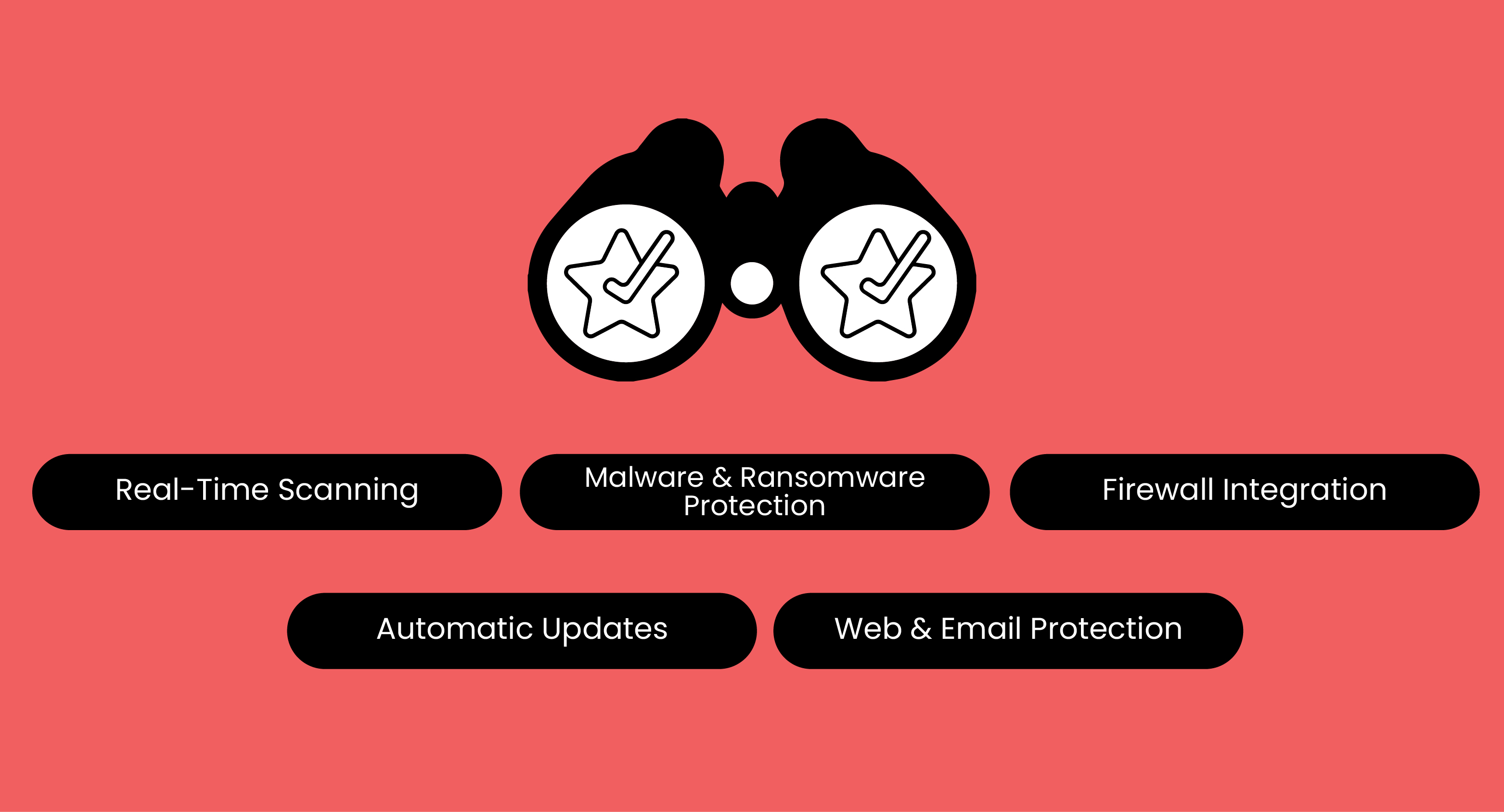
Everything you need to look into:
|
Features |
Description |
Why it Matters |
|---|---|---|
|
Real-Time Scanning |
Continuously monitors files, apps, and downloads |
Detects and blocks threats instantly before they cause damage |
|
Malware & Ransomware Protection |
Identifies and removes viruses, spyware, trojans, and ransomware |
Protects data from theft, encryption, and system corruption |
|
Firewall Integration |
Controls incoming and outgoing network traffic |
Prevents unauthorized access and hacking attempts |
|
Automatic Updates |
Updates virus definitions and security patches automatically |
Ensures protection against the latest cyber threats |
|
Web & Email Protection |
Scans websites, links, and email attachments |
Blocks phishing attacks and malicious downloads |
|
Parental Controls |
Restricts access to unsafe or inappropriate content |
Helps protect children from harmful online material |
|
Multi-Device Compatibility |
Works across multiple devices (PC, mobile, tablet) |
Provides consistent security for all connected devices |
How to Choose the Right Antivirus
Here are some of the factors that users can look into before choosing the antivirus:
|
Factors |
Key Points |
Why They Matter |
|---|---|---|
|
Budget |
Free vs Paid |
Fits your needs without overspending |
|
Usage |
Personal, business, gaming |
Determines the level of protection needed |
|
Devices |
Single or multiple |
Covers all your devices |
|
User Reviews |
Ratings & feedback |
Shows reliability and user experience |
|
Independent Testing |
AV-Test, AV-Comparatives |
Objective proof of effectiveness |
|
OS Compatibility |
Windows, macOS, Android, iOS |
Ensures smooth operation on your devices |
FAQs
Can an Antivirus Slow down My Computer or Mobile Device?
Minimal slowdown may occur, but modern antivirus software runs efficiently in the background.
What Should I Do If My Antivirus Detects a Virus?
Quarantine or delete the file, then run a full system scan to ensure your device is safe.
Are There Any Common Myths about Antivirus I Should Know?
Yes, Common myths: antivirus always slows devices, free antivirus is enough, and Macs or mobiles don’t need protection.
Antivirus software is an essential tool for protecting devices from viruses, malware, ransomware, and other cyber threats. antivirus and anti-malware devices prevent your computer from malicious attacks, like viruses, worms, Trojans, and more. There are some free antiviruses for Mac, Windows, Edge, Firefox, and best antivirus for Chrome , Iphone and also for small businesses available with exceptional features that protect them from cyber threats.
Beyond safeguarding data, it ensures smooth system performance, secure online activity, and peace of mind for individuals and businesses alike. Moreover, with their numerous features, such as VPNs, patch management, and web filtering, they make the best antivirus solutions for business.
By choosing the right antivirus, keeping it updated, and following security best practices, you can stay one step ahead of cybercriminals and enjoy a safer, worry-free digital experience. However, many users get confused about disabling antivirus. You can easily disable it via settings. With so many antivirus software available, like anti-phishing, VPN with antivirus, it is important to know the difference so that you can choose what you need wisely.
Stay tuned to Virtual Codes Vault for more updates about Antivirus.
