Every business, organization, or individual needs reliable antivirus software to keep devices safe. Antivirus protection is essential for keeping devices and personal data safe from malware, viruses, and data breaches.
That’s why users are always on the lookout for a trustworthy solution, one that is affordable and provides the needed features. In this space, Norton vs Windows Defender are the most compared antivirus programs, both offering a solid set of features to protect users.
Overview of Windows Defender and Norton Antivirus
These two options are widely recognized for their impressive features, making them popular choices among different types of users. To help you understand which one might suit your needs best, let’s take a closer look at each option, how it works, what specific features it offers, and the types of platforms and devices it supports.
About Norton
Norton Antivirus was launched in 1991 by Peter Norton Computing (later acquired by Symantec). It started out as one of the first antivirus programs for everyday computer users and is now considered the best antivirus for small businesses. Over the years, it has grown into Norton 360, which protects against viruses.
How It Works
-
Scans for malware, viruses, ransomware, and phishing attacks.
-
Includes additional tools such as a VPN for private browsing and dark web monitoring to alert you if your personal information is leaked.
-
Offers a chrome password manager extension for safer logins.
Platforms Supported
Windows PCs, Mac computers, Android phones, and iOS devices.
About Windows Defender
Windows Defender (also called Microsoft Defender) is built right into Windows 10 and 11, so you don’t need to download or install anything extra. It is widely regarded as the best free antivirus for Windows 11 as it runs quietly in the background to keep your PC safe from viruses. It first launched in 2006 as a free tool to protect Windows XP from spyware, and has since grown into a full-featured antivirus program.
How It Works
-
Protects your device in real time, blocking threats as soon as they appear.
-
Updates automatically through Windows, so you always have the latest protection.
-
Includes a firewall to block hackers.
-
Handles basic malware and virus protection without you having to lift a finger.
Platforms Supported
Windows 10, Windows 11, Windows 8.1 (limited support), Windows Server 2016, 2019, and 2022
Norton Antivirus vs Windows Defender: Feature Comparison
The best way to compare them is to review their features. Here’s a Windows Defender vs Norton side-by-side table showing what each offers.
|
Feature |
Norton 360 |
Windows Defender |
|---|---|---|
|
Real-time protection |
Yes, stronger scanning and extra protection. |
Yes, blocks viruses and malware automatically. |
|
Firewall |
Advanced control and alerts. |
Basic monitors your network. |
|
Phishing protection |
Strong protection across browsers and emails. |
Yes (SmartScreen blocks threats) |
|
VPN |
Yes (Included with data limits) |
No |
|
Password manager |
Yes |
No |
|
Cloud backup |
Yes |
No |
|
Parental controls |
Yes (Advanced) |
Yes (Basic) |
Norton Antivirus vs Windows Defender: Pricing Comparison
The most important factor that many users consider when choosing or buying software is the price. Here are the details for Windows Defender and Norton:
Windows Defender
As mentioned above, Windows Defender is a free antivirus for laptops and is built into Windows 10 and 11, so you don’t need to pay or install anything extra.
Norton
Norton is among the best antivirus softwares that offers multiple plans, each with its own price, and you need to purchase the plan that suits you. Here are the plans mentioned:

Norton
Get Norton today and secure your devices with one of the most trusted antivirus solutions on the market.
-
Antivirus Plus: ~£18/year (entry‑level protection)
-
Norton 360 Standard: ~£30/year (security + VPN + some privacy)
-
Norton 360 Deluxe: ~£48/year (family/device‑wide security with extras)
-
Norton 360 with LifeLock: ~£140/year (adds identity theft protection)
Norton Antivirus vs Windows Defender: Which One Is Better for Whom?
It all comes down to your needs. No matter what features a program has, the most important thing is to choose the one that fits your situation. Using a super-advanced solution for simple tasks isn’t very smart. That’s why here’s a Norton Security vs. Windows Defender comparison based on user type.
Norton Users
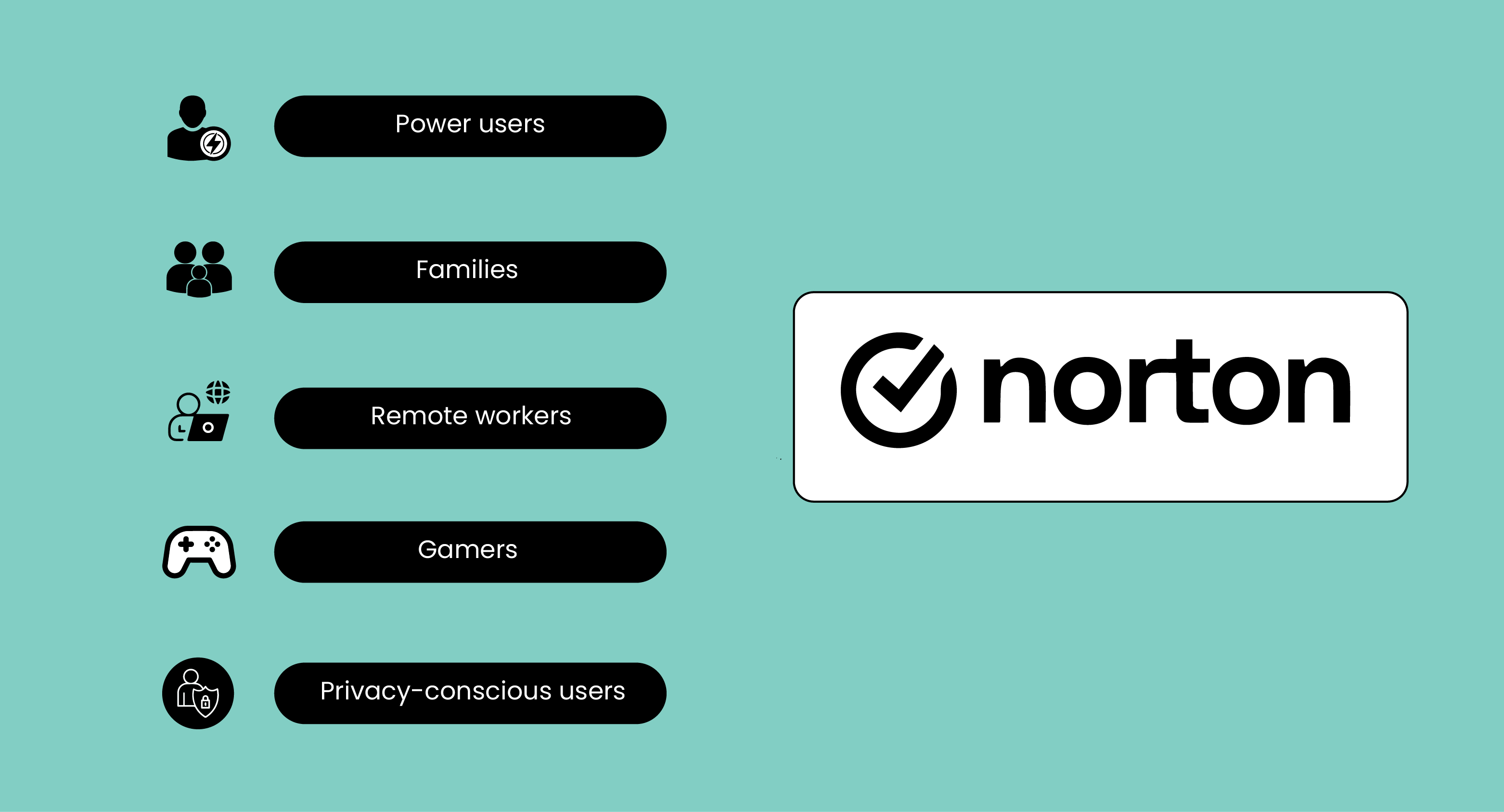
Here are the users who benefit the most from Norton’s advanced security features:
-
Power Users: Perfect for those who use multiple devices, need advanced customization, and want strong protection without slowing down their system.
-
Families: Offers parental controls, multi-device protection, and safe browsing features to keep everyone in the household secure.
-
Remote Workers: Provides VPN access, protection on public Wi-Fi, and safeguards against phishing and malware while working from home or remote locations.
-
Gamers: Ensures smooth performance while gaming, blocks malware, and protects against scams or phishing attempts targeting gamers.
-
Privacy-Conscious Users: Offers features like VPNs, tracker blocking, and anti-phishing tools to protect personal data and online activity.
Windows Defender Users
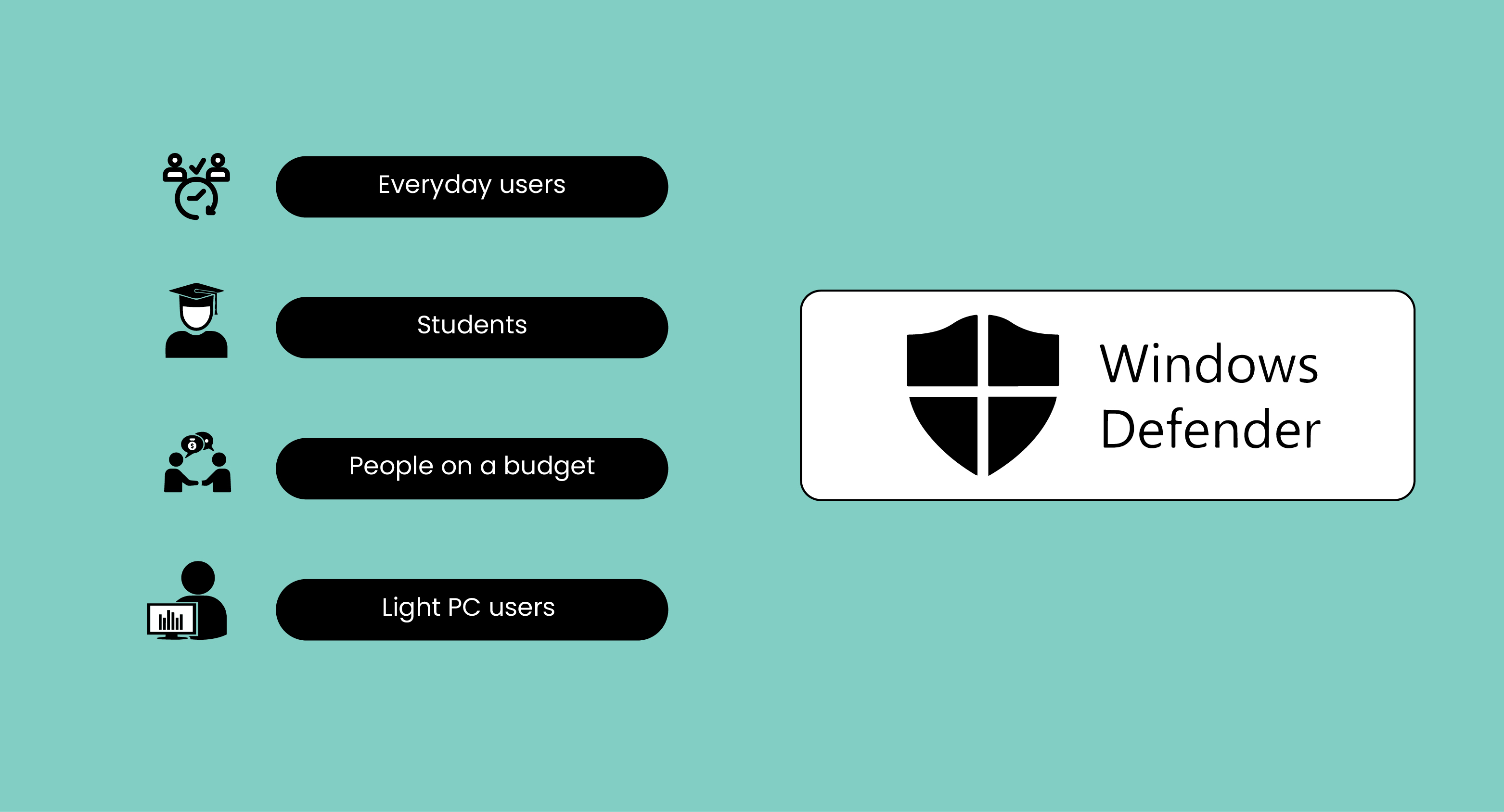
Here are the users who can rely on Windows Defender for simple and everyday protection:
-
Everyday Users: Great for people who just browse the web, check emails, and do basic tasks; they get simple protection.
-
Students: Keep your work, research, and online projects safe without slowing down your laptop or getting in the way.
-
People on a Budget: Gives solid antivirus and security without costing much, or even for free, so it’s easy on your wallet.
-
Light PC Users: Perfect if you don’t do much on your computer and just need basic protection without extra features you won’t use.
FAQs
Can I Use Norton and Windows Defender Together?
Technically, you can, but it’s not recommended. Running Norton or Windows Defender antivirus programs simultaneously can slow down the PC. It’s better to choose one primary antivirus to handle protection and keep the other off, or use it only for occasional scans.
Do I Need Norton Antivirus If I Have Windows Defender?
It depends on what you want. If you use your PC only for browsing, email, or schoolwork, Windows Defender is usually sufficient. But if you want additional features such as a VPN, cloud backup, or identity theft protection, Norton offers more comprehensive protection.
How to Switch From Norton to Windows Defender?
If you decide to stop using Norton, simply uninstall Norton first. Once Norton is removed, Windows Defender will automatically turn back on. Make sure to restart your computer after uninstalling.
There are many antivirus programs available, each designed for different types of users and devices. The important thing is to determine which one best fits your needs. Cyberattacks and online threats are occurring more frequently than ever. That’s why having solid protection isn’t optional; it’s a must. That’s why comparing Norton vs Windows Defender can help you make the right choice.
Online security is no longer as simple as installing an antivirus and moving on. Many users struggle to understand what they actually need, whether a firewall or antivirus offers better protection, how anti-malware differs from antivirus software, or when disabling an antivirus even makes sense. Comparisons like McAfee vs Norton or Bitdefender vs Norton come up often, which shows just how confusing modern security choices have become.
To stay protected from viruses and different types of phishing attacks, you need other tools too, like AI security tools, AI antivirus, ManageEngine’s malware protection, and many more. Many free and paid VPN services are also available to improve your browsing experience.
Stay tuned to Virtual Codes Vault to compare Windows Defender to Norton and get more helpful information.
