
When users want a tool to block ads and enhance privacy, Ghostery or Privacy Badger are often the best options. Both tools aim to enhance browsing experience by blocking unwanted trackers and ads.
The difference lies in how they do it. Their features and approaches vary, which is what makes the Ghostery vs Privacy Badger choice tricky for many users.
Ghostery started as a simple tracker-detection tool; over time, it evolved into a full privacy solution that identifies and blocks trackers on websites. Whereas Privacy Badger uses a more automated approach, developed by the EFF, that learns from browsing over time and relies less on constant user input.
Ghostery vs Privacy Badger: Overview
For users to choose the best ad and tracker blocker, it is crucial to understand both tools in depth. Their features, pros, cons, and more make it easier for users to choose them according to their needs. Here is the overview of Privacy Badger vs Ghostery.
Ghostery
Ghostery is one of the best adblocker for YouTube, removes ads played before, during, and after videos. It is also an ad blocker for Safari, removing cookie consent pop-ups and automatically dissuading tracking requests whenever possible.
Ghostery for ad-blocker Chrome extension offers advanced ad-blocking features that block ads, trackers, and pop-ups to strengthen user privacy. Ghostery is a reliable ad blocker for Edge, offering complete security keeping information safe, and speeding up your browsing experience.
This free ad blocker is a powerful browser extension, enhances online privacy by blocking trackers and ads. Helping users gain control over their browsing experience by identifying who is collecting their data and providing tools to stop it. Developed to provide transparency and speed by blocking trackers and ads that slow down websites.
Ghostery not only protects privacy but also improves website load times by preventing unnecessary scripts from running.
Features of Ghostery
Here are some of the features of Ghostery:
|
Features |
Why They Matter |
|---|---|
|
Tracker Blocking |
Detects and blocks trackers to prevent data collection across websites. |
|
Ad Blocking |
Reduces intrusive ads, making browsing faster and cleaner. |
|
Privacy Dashboard |
Shows detailed information about which companies are tracking. |
|
Customizable Controls |
Allows users to whitelist or block specific trackers and ads. |
|
Performance Optimization |
Speeds up page load time by blocking unnecessary scripts. |
Pros and Cons of Ghostery
Here are some of the pros and cons of Ghostery
|
Pros |
Cons |
|---|---|
|
Comprehensive tracker and ad blocking |
Can sometimes block useful site features if not configured properly |
|
Detailed insights into tracking activity |
Free version has limited advanced privacy options |
|
Improves browsing speed |
Platforms Ghostery Supports
Here are some of the platforms that Ghostery supports:
-
Google Chrome
-
Firefox
-
Safari
-
Microsoft Edge
-
Opera
Privacy Badger
Privacy Badger automatically blocks trackers by learning to recognize based on browsing activity, making it the best ad blocker for Chrome. Moreover, it is the top free ad blocker for Chrome with a neat and clutter-free dashboard, making it easy for users to find desired features.
This best ad blocker is a privacy-focused browser extension developed by the Electronic Frontier Foundation (EFF), a nonprofit organization dedicated to digital rights. Unlike traditional ad blockers that rely on predefined lists, Privacy Badger uses a behavior-based approach: learning which trackers follow users across websites and automatically blocking them.
Designed to protect users' privacy without requiring complicated settings, making it ideal for users who want automatic and ethical tracker protection.
Features of Privacy Badger
Here are some of the features of Privacy Badger:
|
Features |
Why They Matter |
|---|---|
|
Automatic Tracker Blocking |
Learns to block invisible trackers that follow users across multiple sites. |
|
Ad Transparency |
Reduces tracking by blocking ads from trackers while allowing non-intrusive ads. |
|
Open-Source & Privacy-First |
Fully open-source, with no hidden data collection. |
|
Minimal Setup |
Works automatically after installation, requiring little user intervention. |
|
Browser Compatibility |
Supports major browsers and updates regularly to enhance protection. |
Pros and Cons of Privacy Badger
Here are some of the pros and cons of Privacy Badger:
|
Pros |
Cons |
|---|---|
|
Blocks trackers automatically without needing lists |
Does not block ads fully like Ghostery or uBlock Origin |
|
Open-source and developed by a trusted nonprofit |
Fewer customization options for advanced users |
|
Simple, hands-off privacy protection |
Limited dashboard or visibility into blocked trackers |
Platform Privacy Badger Supports
Here are some of the platforms that Privacy Badger supports:
-
Chrome
-
Firefox
-
Edge
-
Opera
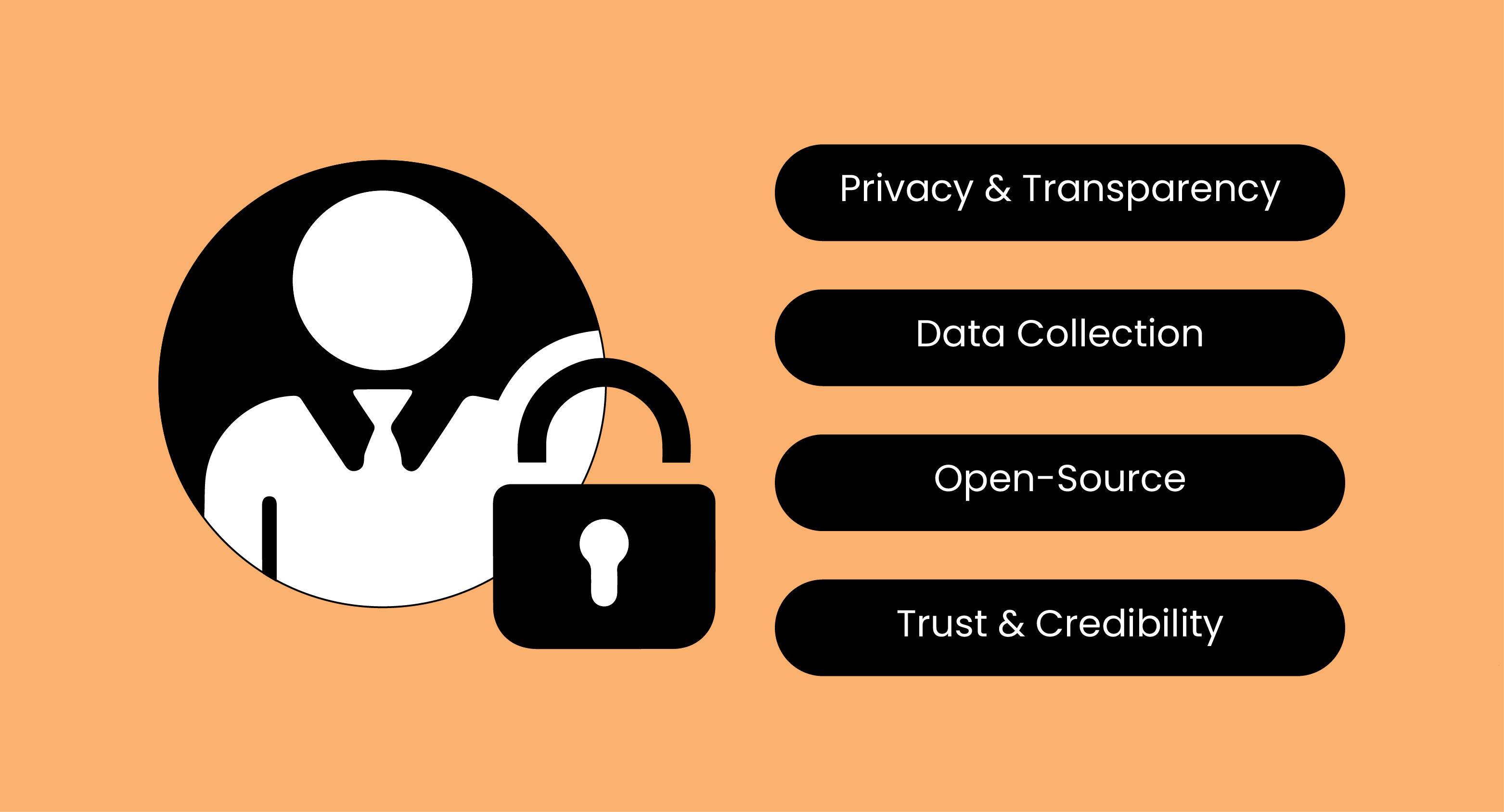
Privacy Badger vs Ghostery Comparison: Privacy & Transparency
|
Features |
Privacy Badger |
Ghostery |
|---|---|---|
|
Privacy & Transparency |
locks trackers automatically; minimal UI |
Shows and blocks trackers; detailed UI |
|
Data Collection |
No data collected; runs locally |
No personal data; some opt‑in aggregated data |
|
Open-Source |
Yes |
Yes (EFF) |
|
Trust & Credibility |
Generally trusted; some past concerns |
Highly trusted; Nonprofit-backed |
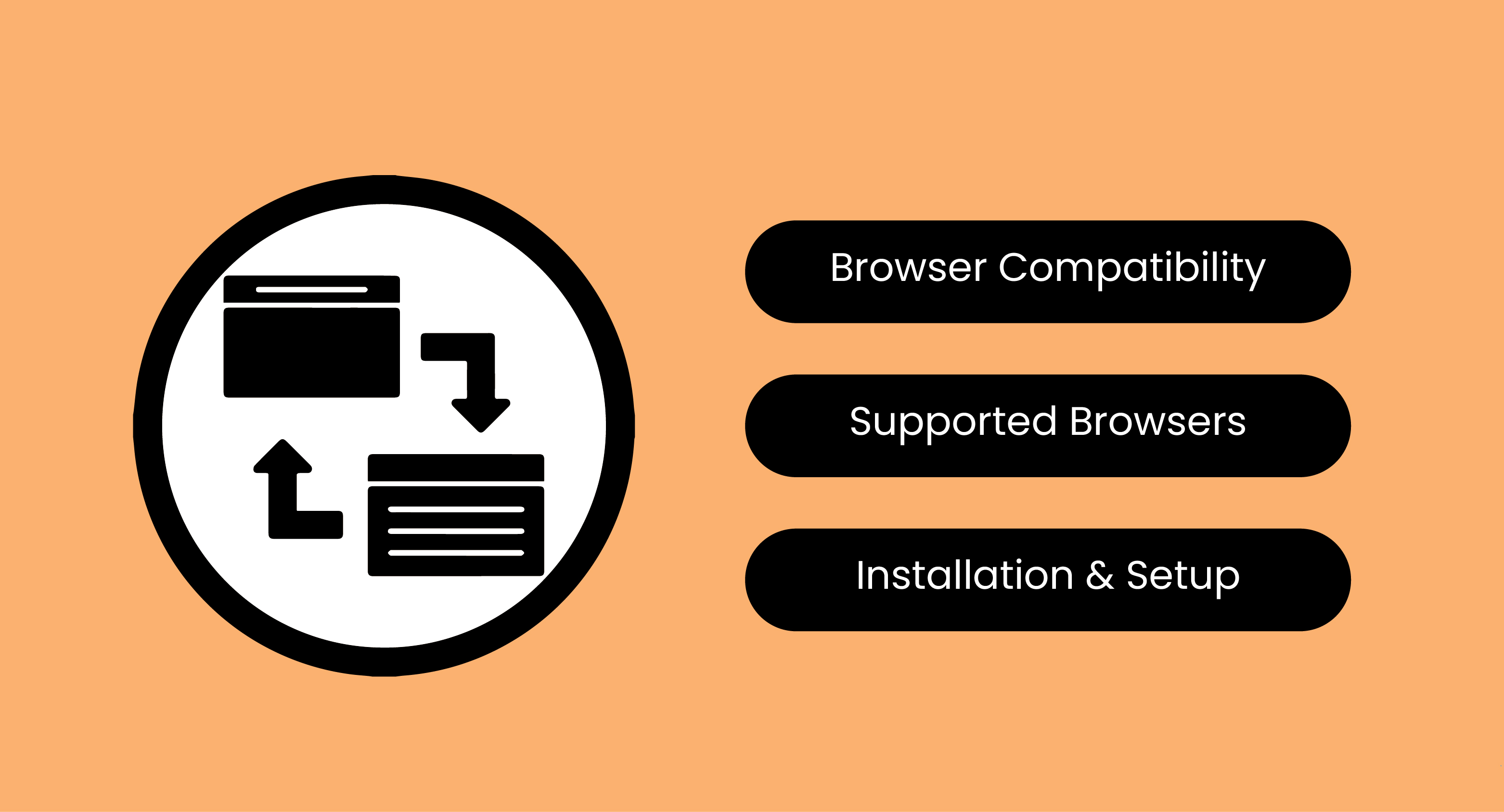
Comparison Between Privacy Badger vs Ghostery: Browser Compatibility
|
Features |
Privacy Badger |
Ghostery |
|---|---|---|
|
Browser Compatibility |
Works on major browsers |
Works on most major browsers |
|
Supported Browsers |
Chrome, Firefox, Edge, Opera |
Chrome, Firefox, Edge, Opera, Safari (some versions) |
|
Installation & Setup |
Very easy; minimal setup, works automatically |
Easy offers settings to customize blocking |
FAQs
Are Ghostery and Privacy Badger Free?
Ghostery: Offers a free version with essential features; a premium plan provides additional privacy tools.
Privacy Badger: Completely free and open-source.
Can Using These Extensions Slow Down My Browser?
Both are designed to be lightweight. Ghostery can improve page speed by blocking scripts, while Privacy Badger has a minimal performance impact.
Can I Customize What Ghostery Blocks?
Yes, Ghostery allows detailed customization, including whitelisting certain trackers or ads, and blocking specific scripts per website.
Choosing between Ghostery and Privacy Badger comes down to how much control you want. Ghostery suits people who like to see and manage what gets blocked. Privacy Badger works better for those who want quiet, automatic protection in the background.
If you have used uBlock or AdBlock before, you already understand the value of a strong blocker and when disabling ad blocker conflicts can actually improve how sites load and behave.
What this really means is simple. Whether you stick with Ghostery, Privacy Badger, uBlock, or AdBlock, you are making a smart move toward better privacy. These tools cut noise, speed up pages, and limit how much data gets collected. And if you want to go further, some ad blockers now bundle vpn and antivirus features to protect your device on more than one level.
Stay tuned to Virtual Codes Vault for more updates about Ghostery vs Privacy Badger.
